Seedance 2.5 LogoSeedance 2.5

Seedance 2.5 Features

Seedance 2.5 Features

Every Seedance 2.5 feature, spelled out: a full spec table, file formats, render modes, and every capability grouped by category—for when you need the exact numbers, not another pitch. Prefer a guided walkthrough with sample clips? Visit the Seedance 2.5 generator.

Try Seedance 2.5 Features Free

Headline spec

Clip length
30s, single pass
Resolution
Up to native 4K
References
Up to 50 inputs
Prompt adherence
~20% higher

Spec Table

Seedance 2.5 features: the full spec table

The complete numbers in one table—resolution tiers, reference limits, supported formats, and render modes.
Max native clip length30 seconds, single pass
Resolution tiers480p, 720p, 1080p, native 4K
Render modesFast (quicker, lower cost) or Standard (higher fidelity)
Multimodal reference limitUp to 50 inputs per job
Reference file typesImages (jpeg, png, webp, bmp, tiff, gif), video (mp4, mov), audio (mp3, wav)
3D inputWhite-model blockout mesh for spatial pre-staging
Aspect ratios16:9, 9:16, 1:1, 4:3
Audio generationNative, co-processed with video—no separate audio pass
Prompt adherence vs 2.0~20% higher on complex, multi-instruction briefs
Output formatMP4, browser preview before download

Capability Index

Every Seedance 2.5 feature, organized by category

Rather than one long list, capabilities are grouped by what they actually do for a production—generation, references, motion, and production tooling.

Generation & Output

  • 30-second single-shot render

    One native pass, no manual stitching between clips.

  • Fast vs Standard render modes

    Trade render speed for fidelity depending on the draft stage.

  • 480p through native 4K

    Draft cheap, deliver at full resolution once a brief is locked.

Reference & Consistency

  • 50-input multimodal references

    Images, video, audio, and 3D blockouts in one job, tagged by role.

  • Character swap & consistency

    Hold a character's look across camera angles and the full clip length.

  • Video extension workflows

    Use an existing clip as a motion or style reference to continue a scene.

Motion, Camera & Audio

  • Directional camera control

    Written camera language (dolly, pan, hold) translates more literally than 2.0.

  • Native audio sync

    Footsteps, ambient tone, and dialogue-friendly lip movement generated with the video.

  • ~20% better prompt adherence

    Complex, multi-instruction briefs land closer to the request on the first try.

Production Tools

  • 3D white-model blockout input

    Pre-stage camera position and object scale before the final render.

  • Post-generation adjustments

    Trim, swap a reference, or adjust motion without a full re-render on supported edits.

  • Region-level frame editing

    Target a specific area of a frame rather than regenerating the whole shot.

Three Specs in Action

Seedance 2.5 features, demonstrated on screen

A quick look at three capabilities from the spec table above, each demonstrated in a real generated clip.
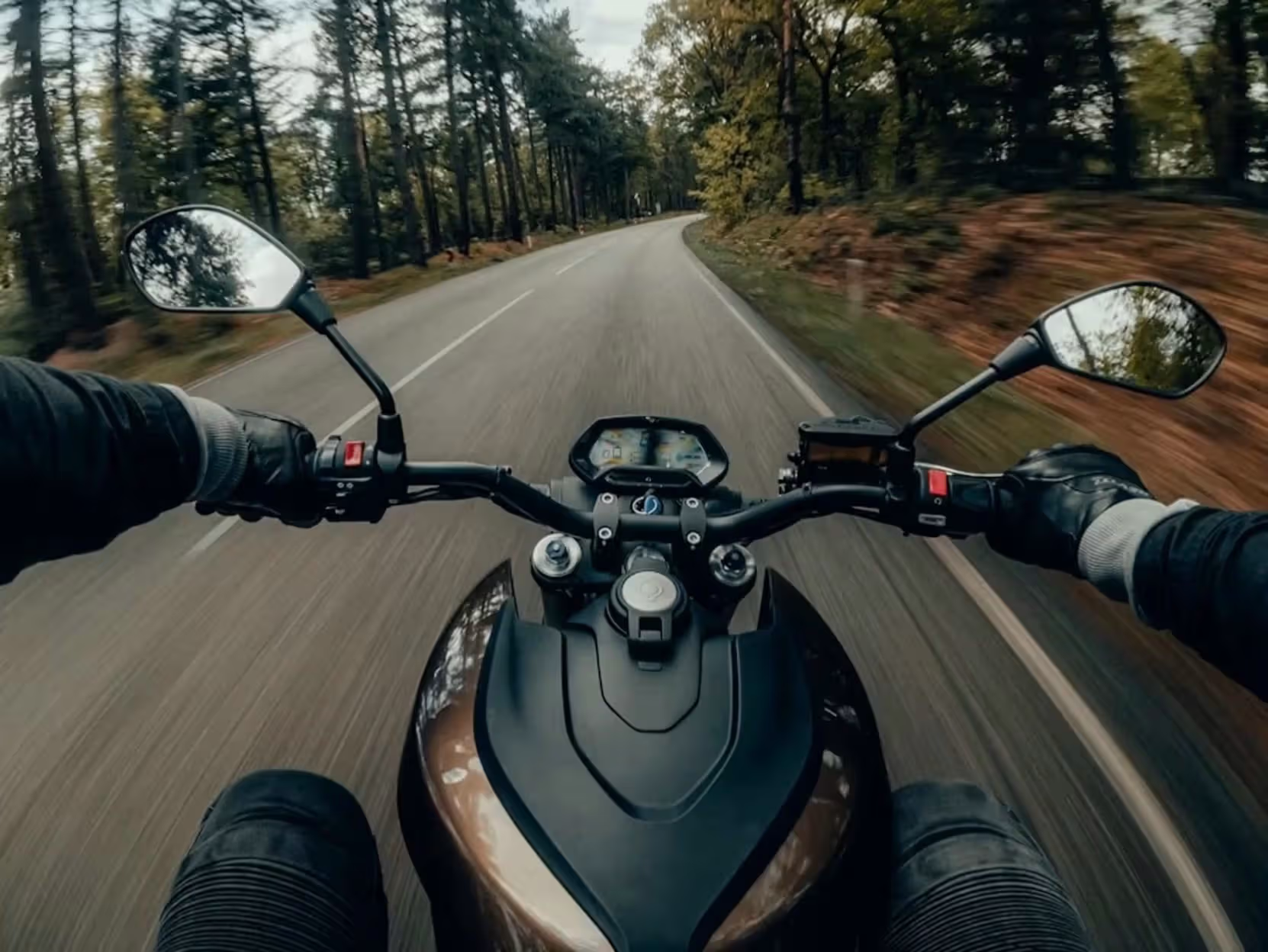
50 references, tagged by role — Seedance 2.5 spec demonstration

50 references, tagged by role

Every one of the 50 reference slots is assigned a role in the brief—character, location, motion style, palette, or blocking scaffold—so the model knows what each asset controls instead of guessing from context.

Try This Feature
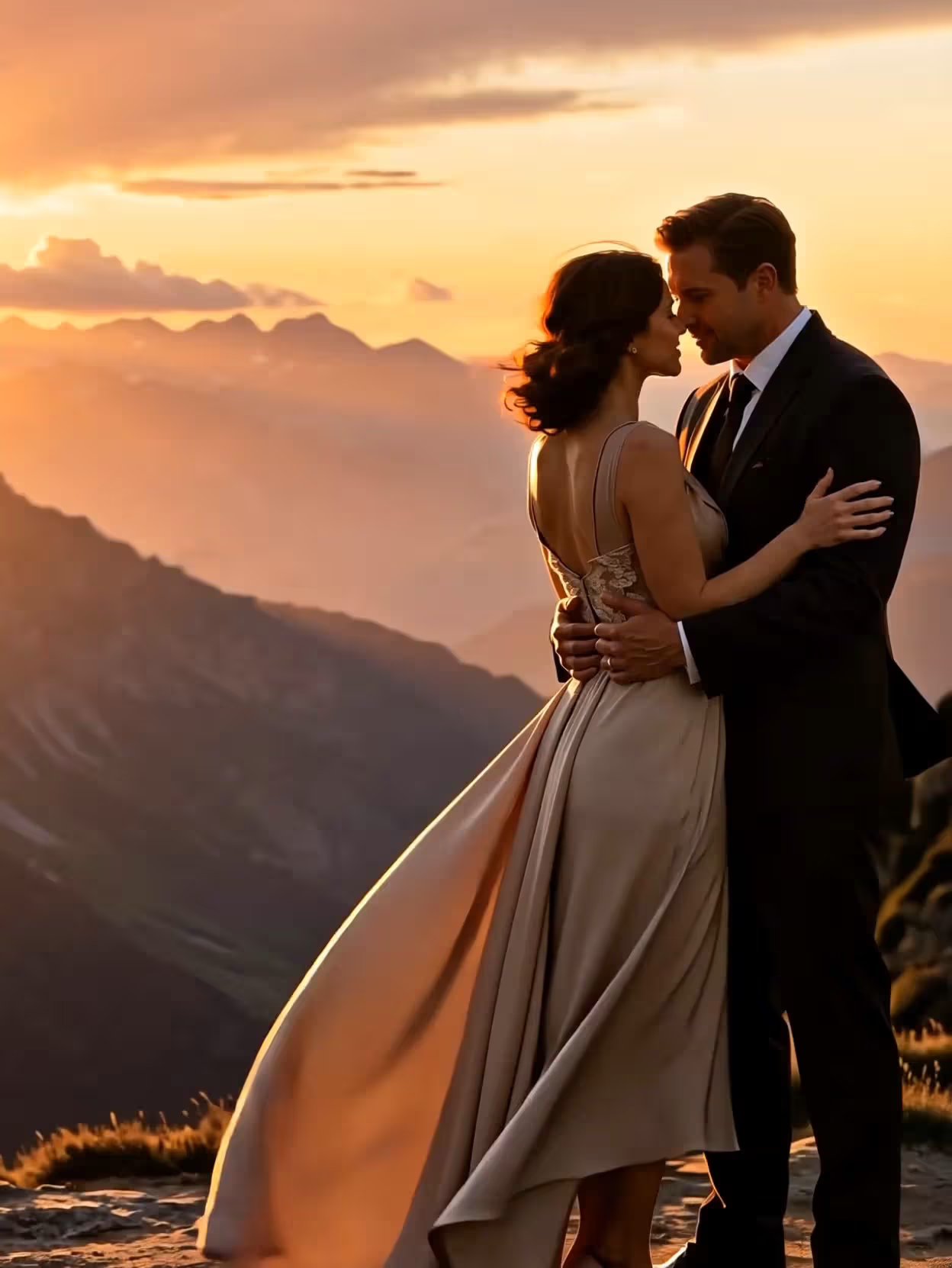
Directional camera language — Seedance 2.5 spec demonstration

Directional camera language

Written camera instructions—slow dolly in, hold on the doorway, whip pan at second 12—translate to the render more literally than on Seedance 2.0, which is what makes shot-specific briefs practical instead of a lottery.

Try This Feature
3D blockout pre-staging — Seedance 2.5 spec demonstration

3D blockout pre-staging

Feed in a simple 3D mesh to lock camera position and object proportions before spending render credits—useful for product previsualization and architectural flythroughs where spatial accuracy matters more than a purely descriptive prompt.

Try This Feature

Quick Delta

Seedance 2.5 features vs Seedance 2.0

SpecSeedance 2.0Seedance 2.5
Native clip length~15 seconds30 seconds
Reference inputsUp to 12Up to 50
3D blockout inputNot supportedSupported
Prompt adherenceBaseline~20% higher

Full breakdown, pricing, and same-prompt test clips on the Seedance 2.5 vs 2.0 comparison.

Use Cases

Which Seedance 2.5 features matter for your job

Different capability combinations serve different production needs—here is how they map to real briefs.

30-Second Ads in One Pass

A 30-second spot needs an opening hook, a product moment, and a closing frame. Because Seedance 2.5 generates the entire arc in one native pass, product appearance and lighting stay consistent from open to close without manual color-matching between separate clips.

Try This Feature

Multi-Character Scene Production

With 50 reference slots, supply one reference image per character and generate a multi-person scene where every face stays spatially stable and recognizable across the full 30 seconds—something a 12-reference model cannot hold reliably.

Try This Feature

Product & Spatial Previsualization

Supply a 3D blockout mesh to lock camera position and object proportions before spending credits on a final render. That keeps previsualization, architectural flythroughs, and VFX blocking cheap to test and iterate.

Try This Feature

Iterative Campaign Production

Higher prompt adherence and native audio mean fewer full re-rolls per asset. When one element of a clip is wrong, you adjust that element rather than regenerating the whole 30 seconds from scratch—more usable output per credit spent.

Try This Feature

Tips

Get more from every Seedance 2.5 feature

Structure prompts in three beats

Split a 30-second brief into setup, action or reveal, and closing frame. Seedance 2.5 follows a structured scene architecture more reliably than one long, unbroken description.

Reference every recurring subject

With 50 reference slots available, there is rarely a reason to describe a recurring character or product from text alone—upload a reference image for anything that needs to look the same twice.

Draft in Fast mode, finish in Standard

Lock composition and motion in Fast mode at 720p or 1080p before spending Standard-mode, 4K-tier credits on the final export.

Combine reference types deliberately

Mix a character image, a motion-reference clip, and an audio bed in one job—each reference type controls a different dimension of the output, which is closer to directing than prompting.

FAQ

Seedance 2.5 features: frequently asked questions

What file formats does Seedance 2.5 accept for references?

Images: jpeg, png, webp, bmp, tiff, and gif. Video references: mp4 and mov. Audio references: mp3 and wav. Text prompts are natural language. All reference types can be combined in the same 50-input job.

What is the difference between Fast and Standard render mode?

Fast mode renders quicker at a lower per-second credit cost, which makes it the practical choice for testing composition, motion, and reference tagging. Standard mode renders at higher fidelity and is the mode to use once a brief is locked and you are rendering the final deliverable.

Which aspect ratios does Seedance 2.5 support?

16:9, 9:16, 1:1, and 4:3. Pick the ratio before generating—social-vertical (9:16), widescreen (16:9), square (1:1), and standard (4:3) all render natively rather than being cropped after the fact.

Can I combine the 3D blockout feature with reference images?

Yes. A 3D blockout mesh controls spatial layout and camera position, while separate image, video, and audio references (up to the combined 50-input limit) control character look, style, and sound—they operate on different dimensions of the same generation.

How does the reference limit compare to Seedance 2.0?

Seedance 2.0 supports up to 12 references in this tool; Seedance 2.5 raises that ceiling to 50, which is what makes multi-character scenes and dense brand-asset briefs practical instead of a squeeze. Full spec comparison is on the Seedance 2.5 vs 2.0 page.

Do all these features work together in a single render?

Yes. A single job can use multimodal references, a 3D blockout, native audio, and Standard 4K resolution simultaneously—the feature set is not gated into separate modes you have to choose between.

Put every Seedance 2.5 feature to work

Head back to the Seedance 2.5 generator to test 4K output, 50 multimodal references, and native audio yourself—free starter credits, no subscription required.

Start Creating With Seedance 2.5