seedance 2.5 Logoseedance 2.5
Loading

Seedance 2.5 Online - Free AI Video Generator for 30-Second 4K Clips

Generate Seedance 2.5 videos right in your browser. Drop a prompt, attach up to 50 references - images, audio, video, even a 3D white-model blockout - and get a finished 30-second 4K clip in minutes. No install, no waitlist, free credits on every account.

Create

Try Seedance 2.5 AI video Generator

Upload references, describe your shot, and render up to 15 seconds with native audio — right from the homepage.

Latest Release

What's new in Seedance 2.5

Three concrete upgrades the new model brings to this tool.

When you generate inside this Seedance 2.5 tool, you get three things Seedance 2.0 couldn't do: a 30-second native clip in a single render (up from ~15 seconds), up to 50 multimodal references in one job (up from 12), and roughly 20% better prompt adherence - so your shot lands closer to the brief on the first try.

Five feature cards below break down what each upgrade unlocks in production.

Key Features

Seedance 2.5 key features

Five features define what you can do in this Seedance 2.5 tool. Each card describes what the feature unlocks for your workflow and the kind of project it fits best.

Feature 1

30-second native single-clip output

Generate a full 30-second clip in one render - no patching two short clips into one, no continuity drift between halves. Inside this tool you write one brief, hit generate, and the entire shot comes back as a single file. A 30-second product spot, a music-video segment, or a complete reel is one Seedance 2.5 job.

Feature 2

50 multimodal references in one job

Drop up to 50 references - text, images, audio, video, and 3D white-model blockouts - into a single Seedance 2.5 brief. Tag each one by role: character, location, motion style, color palette, blocking scaffold. The model holds every reference in its assigned slot for the full clip, so a character reference doesn't bleed into the location plate.

Feature 3

Finer motion and camera control

Seedance 2.5 reads directional language more literally than 2.0. Slow dolly in, hold on the door, push past camera at second 12 - the kind of phrasing a director would write - translates to the render. Post-generation edits land where you point them: trim a tail, swap a reference, change a motion style without re-rendering the whole clip.

Feature 4

~20% better prompt adherence

Roughly 20% more of what you write makes it into the render, compared to Seedance 2.0. Style language ("muted blue, hand-held, slight grain") and edit language ("trim the last 5 seconds, hold on the door") translate to the clip more reliably. Less prompt rewriting; more first-try matches.

Feature 5

Multi-shot character consistency

Pin a character with up to a dozen reference shots in one Seedance 2.5 brief - the larger reference budget makes this practical for the first time. Across angles, lighting changes, and outfits, the lead looks like the same person from frame to frame. Not a near-twin.

Supported Inputs & Outputs

What you can create with Seedance 2.5

Seedance 2.5 in this tool covers the inputs, formats, resolutions, and languages most teams need from an AI video generator.

Input modes.

Text prompts, reference images, audio clips, source video, and 3D white-model blockouts. Combine up to 50 in a single Seedance 2.5 brief.

Resolution.

720p, 1080p, and native 4K. The same generation works for a phone vertical and a large-screen hero loop - no separate upscaling pipeline.

Aspect ratios.

16:9 widescreen, 9:16 vertical, 1:1 square, 4:3 legacy. Pick the format in the brief; the render frames the shot for it.

Clip length.

Up to 30 seconds in one native pass. Longer cuts via the extend flow.

Languages.

Multilingual prompts - English, Chinese, Japanese, and Korean.

Sample Outputs

Explore Seedance 2.5 AI creations

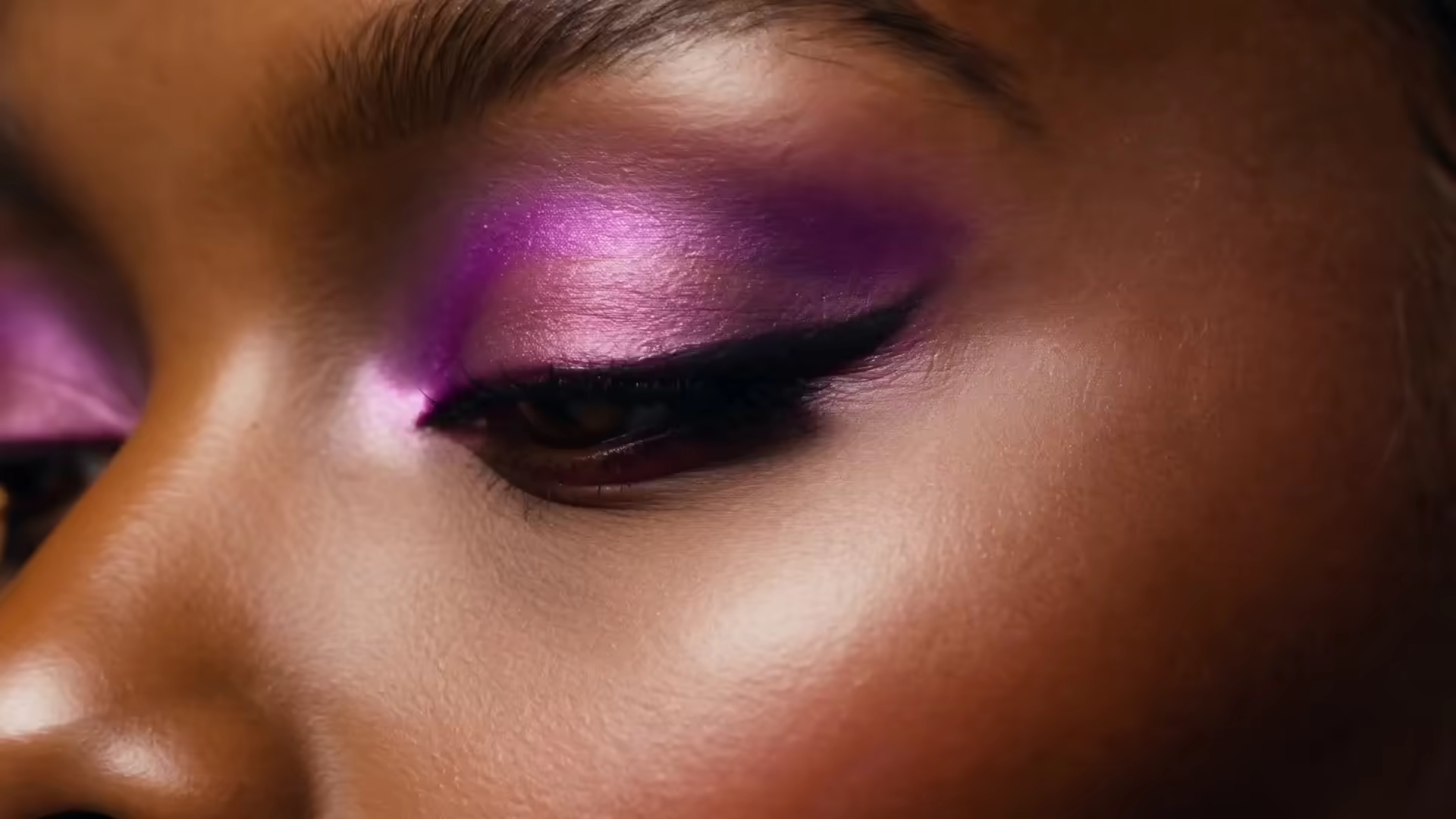
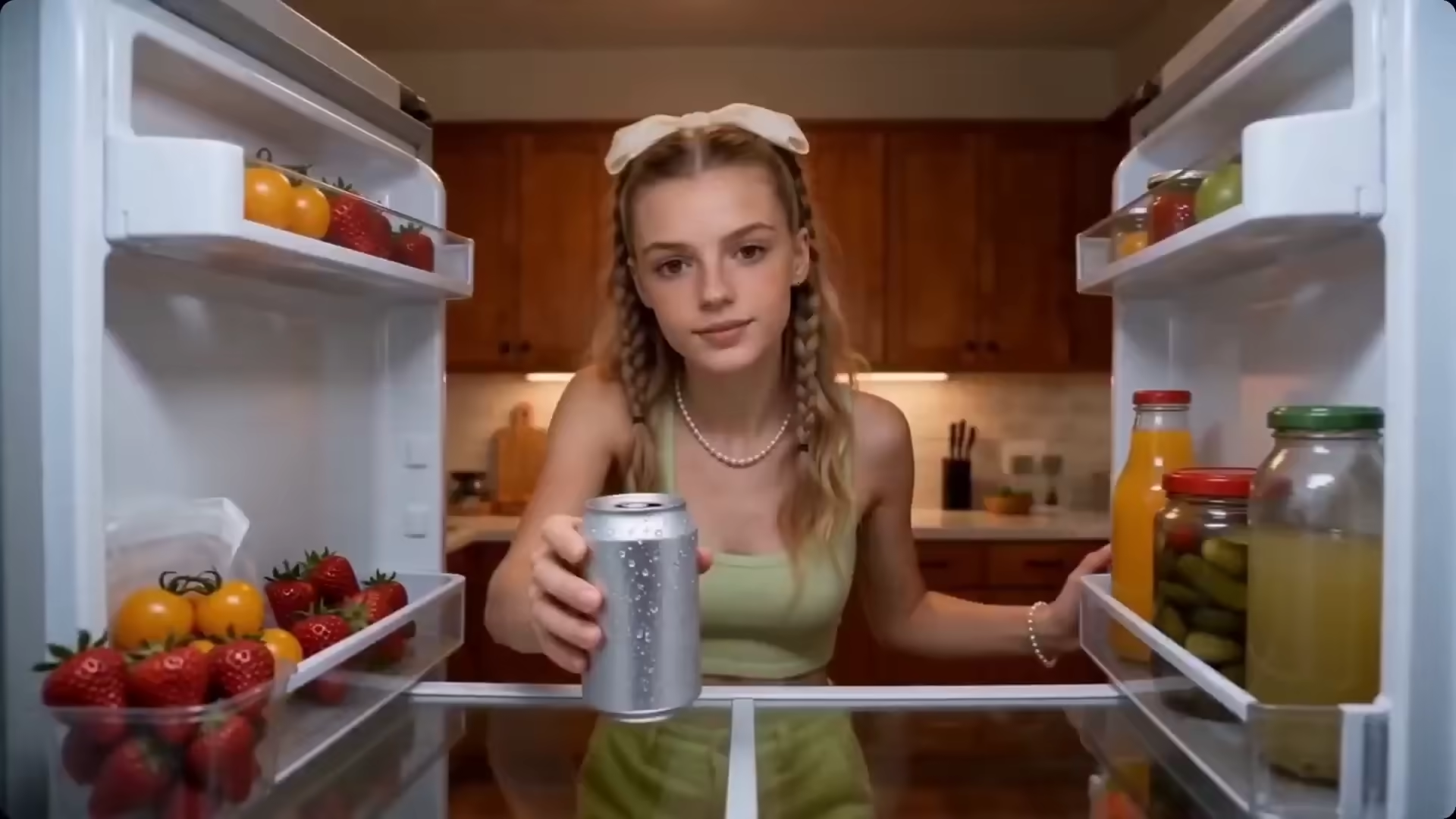
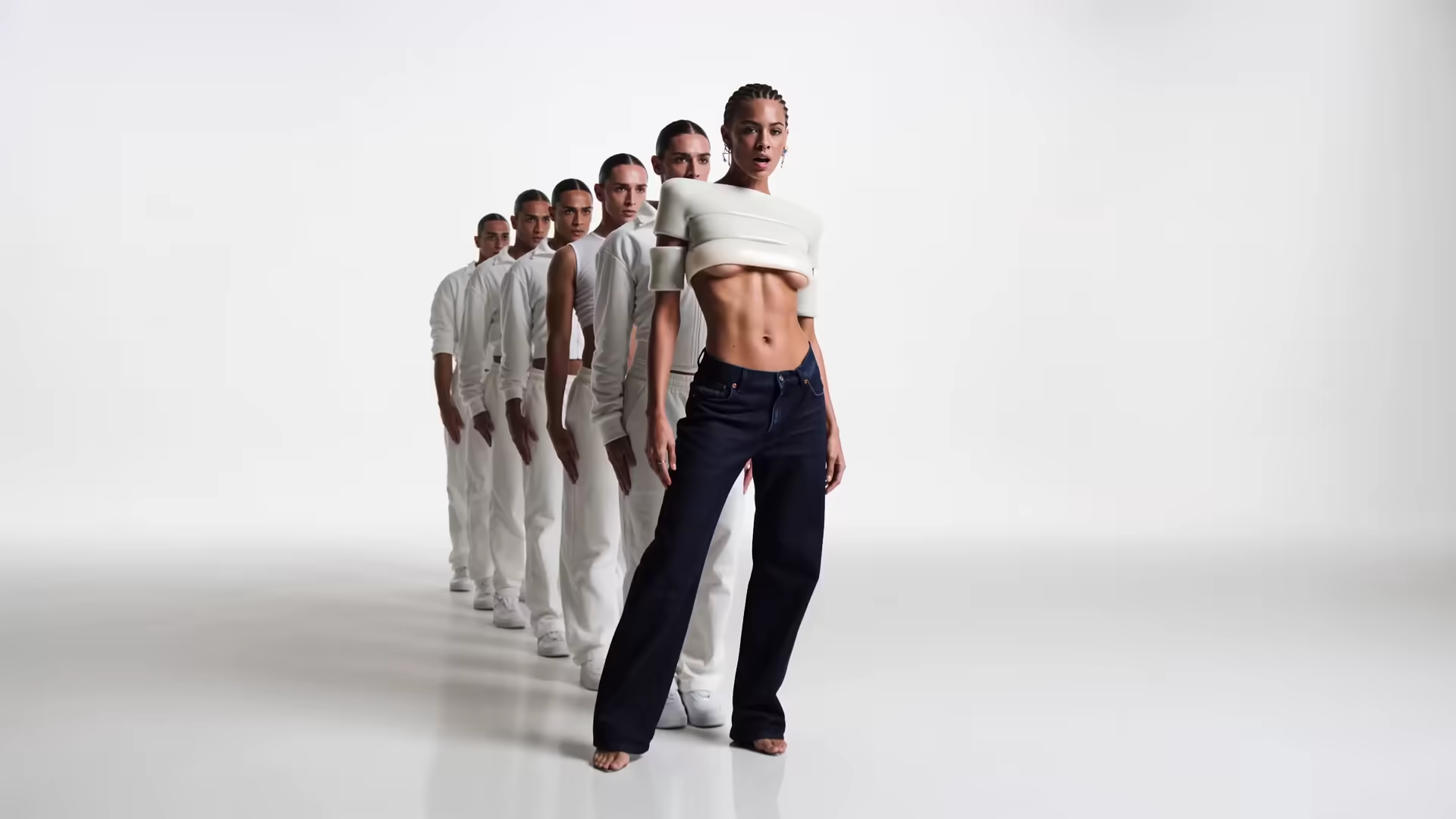
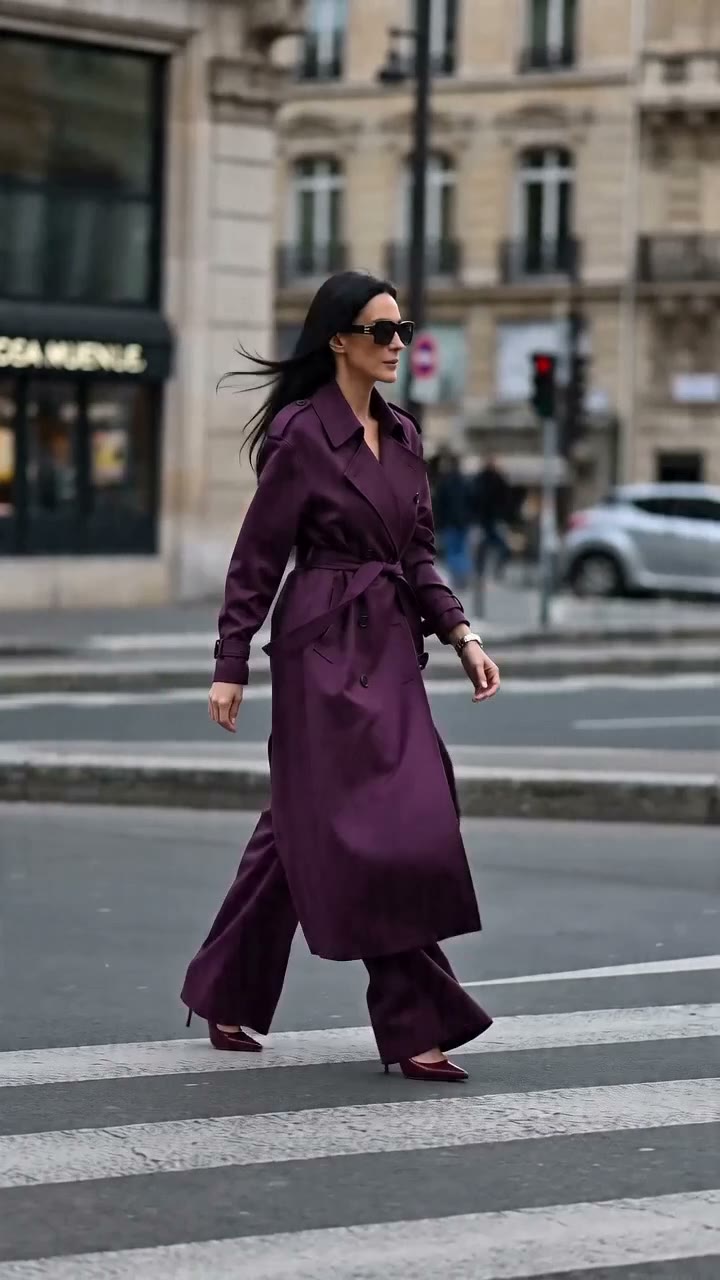
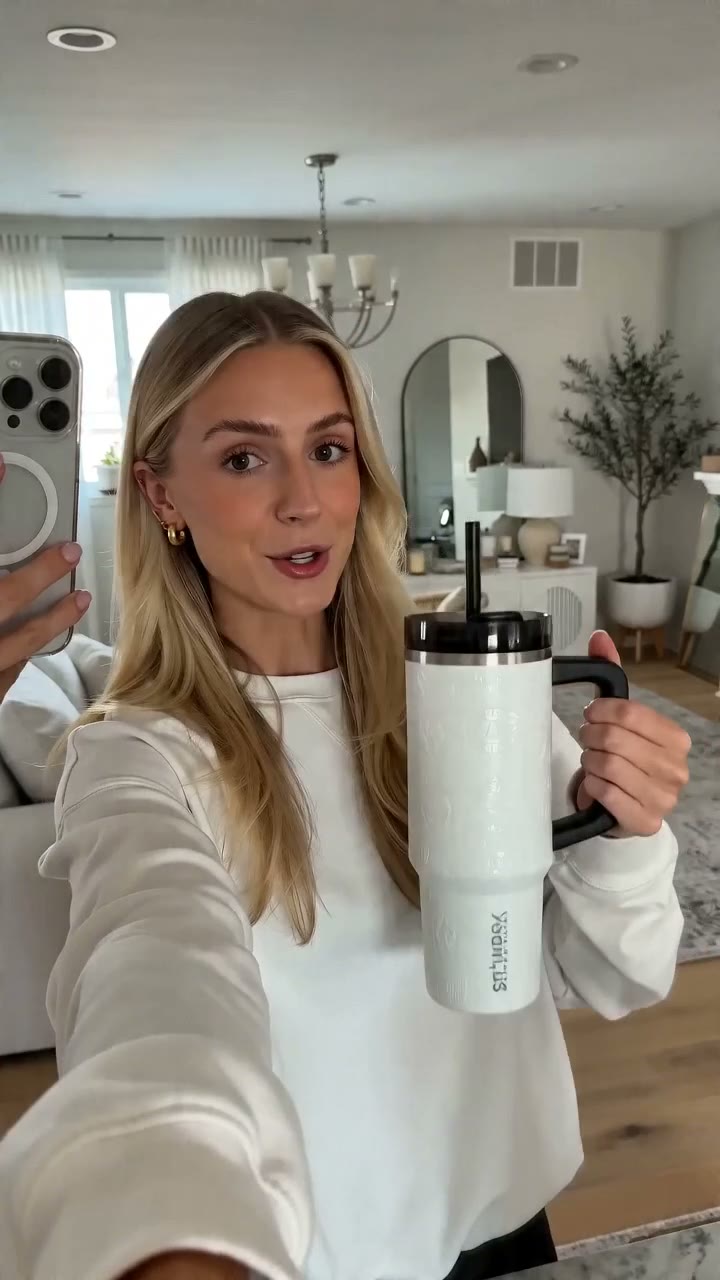
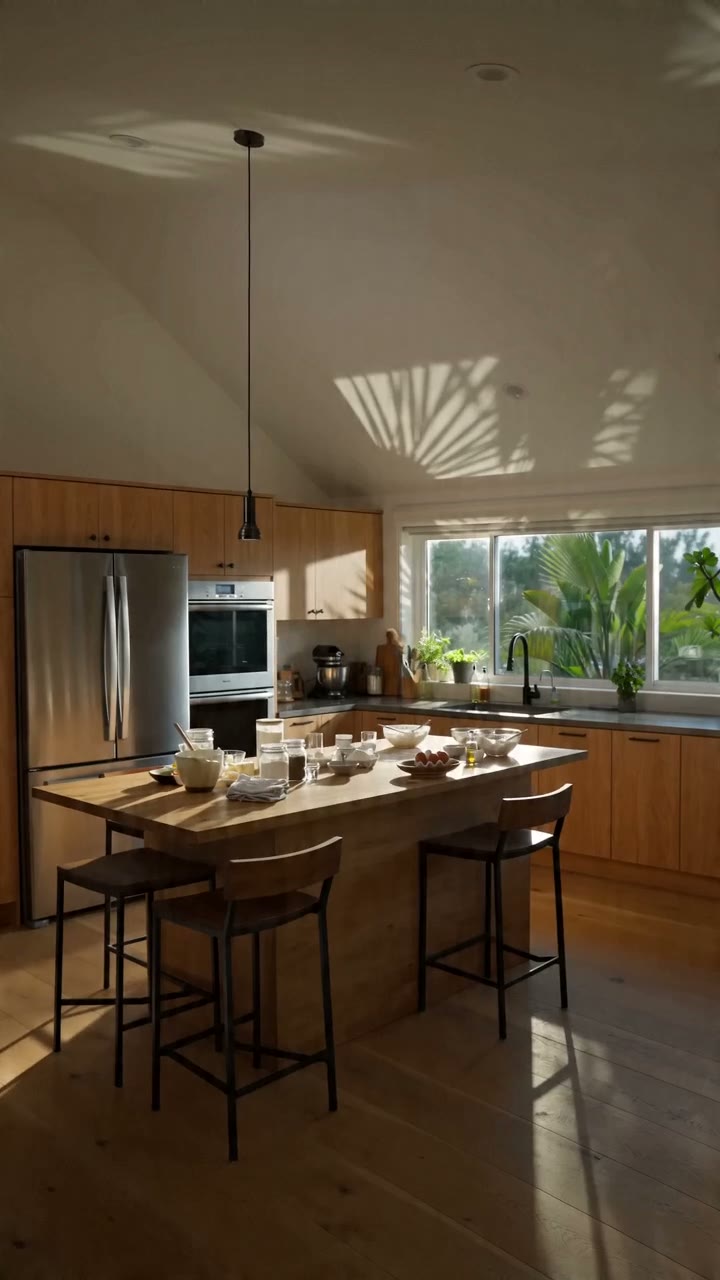
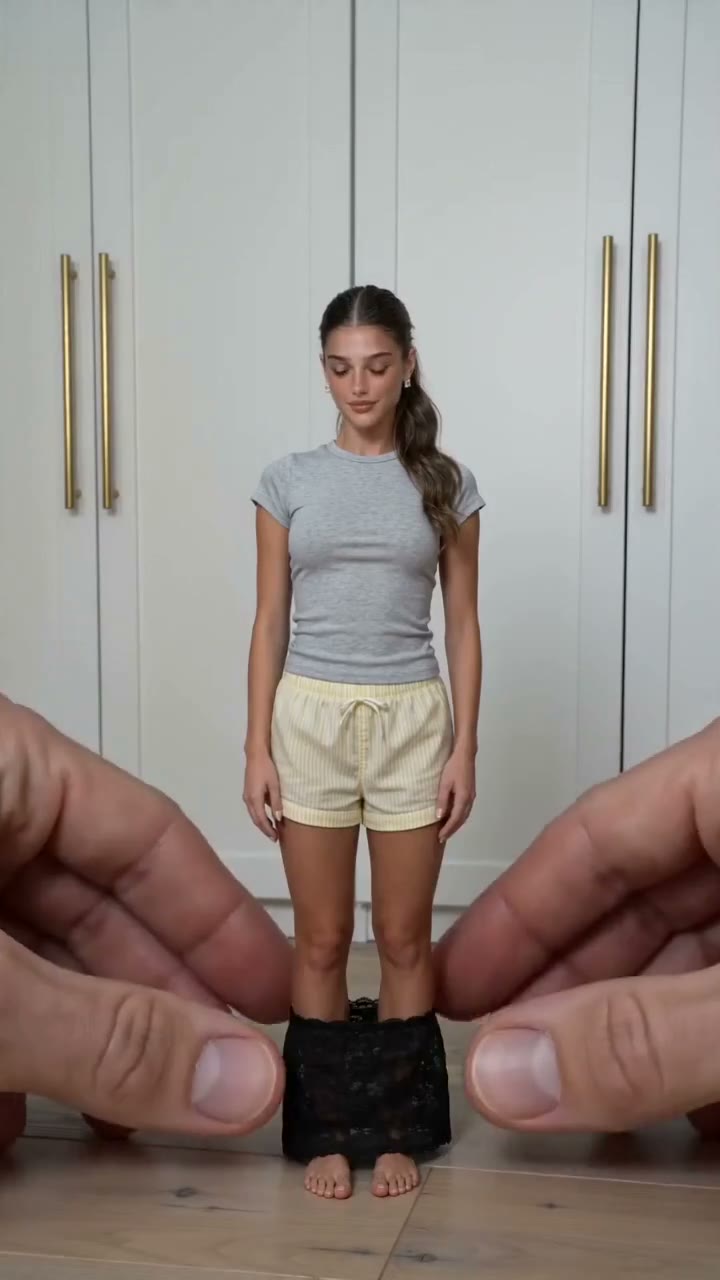
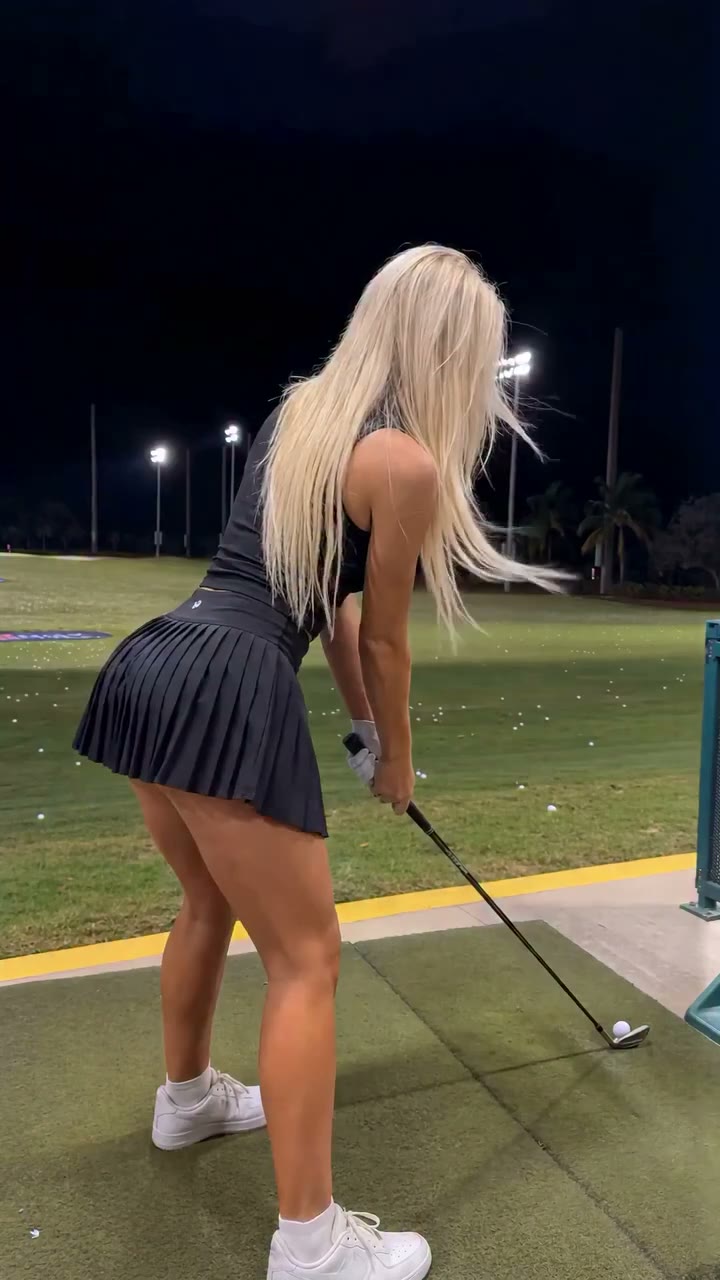
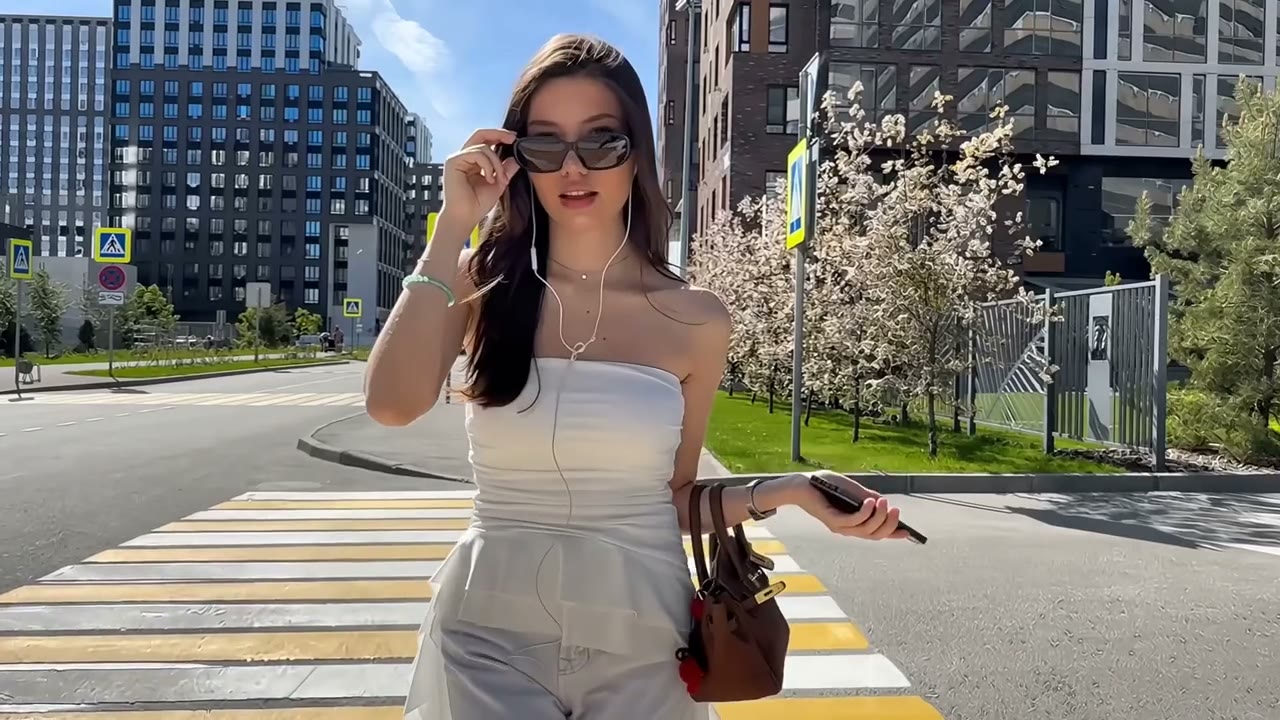
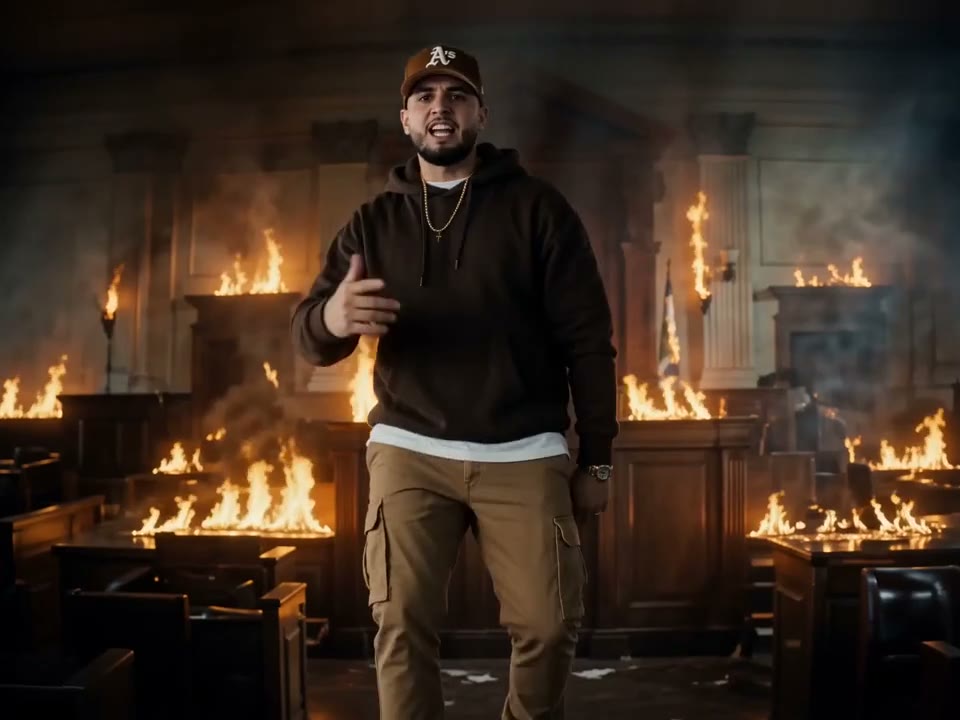
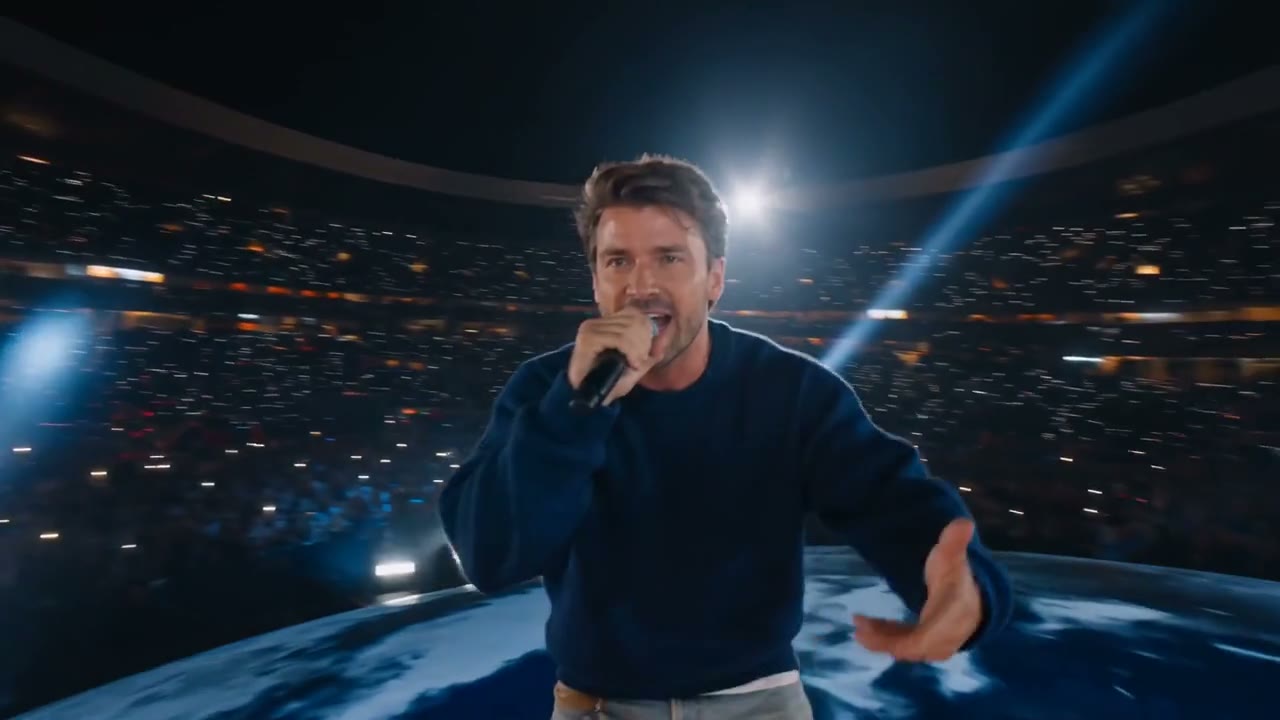
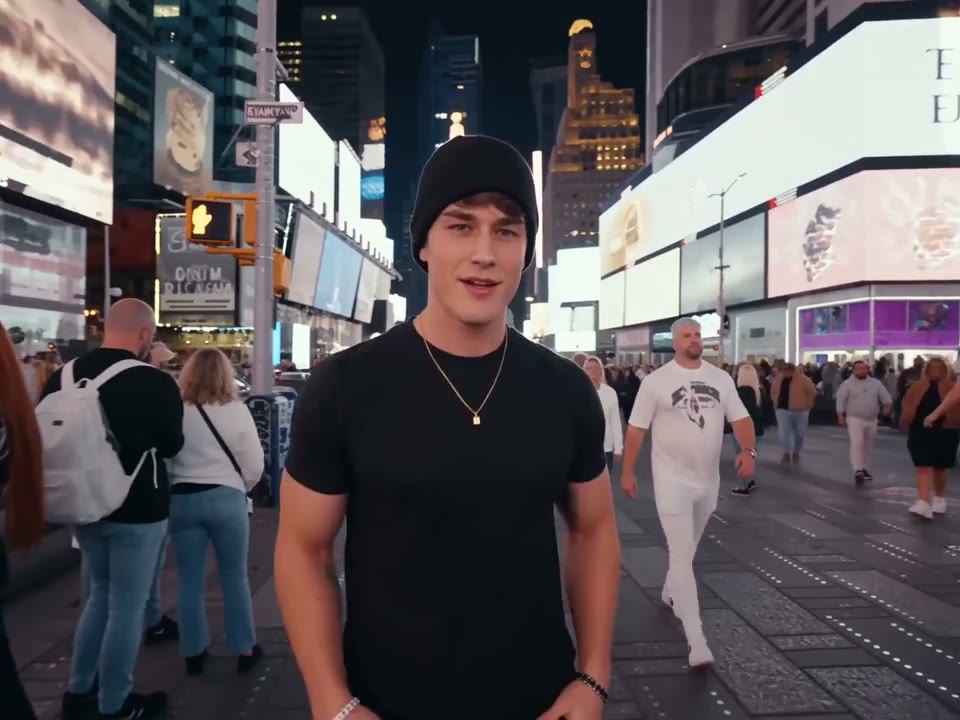
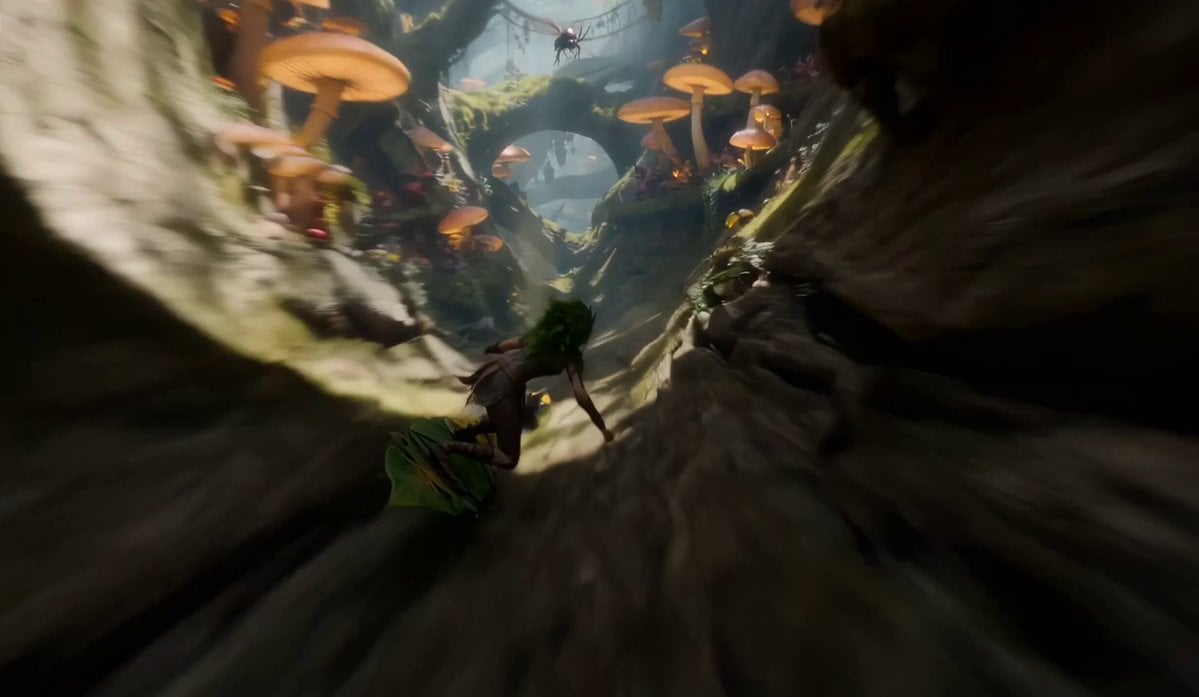
Sample clips generated in this Seedance 2.5 tool — native 30-second 4K output, multimodal references, and directional prompts rendered straight in the browser.

Use Cases

Who Seedance 2.5 is built for

This Seedance 2.5 tool fits the work where a 30-second 4K shot, multi-reference control, or finer editing actually matters. Four scenarios cover where teams reach for it first.

Marketing teams shipping short-form social.

Marketing teams shipping short-form social.

A single 30-second Seedance 2.5 render is the full unit a TikTok, Reel, or YouTube Short needs - no second extension job, no continuity drift. Ship a finished hook from a brief in minutes, then spin variants by swapping one or two references against the same prompt. Five variants of one ad take about as long as one variant used to.

Filmmakers and pre-visualization artists.

Filmmakers and pre-visualization artists.

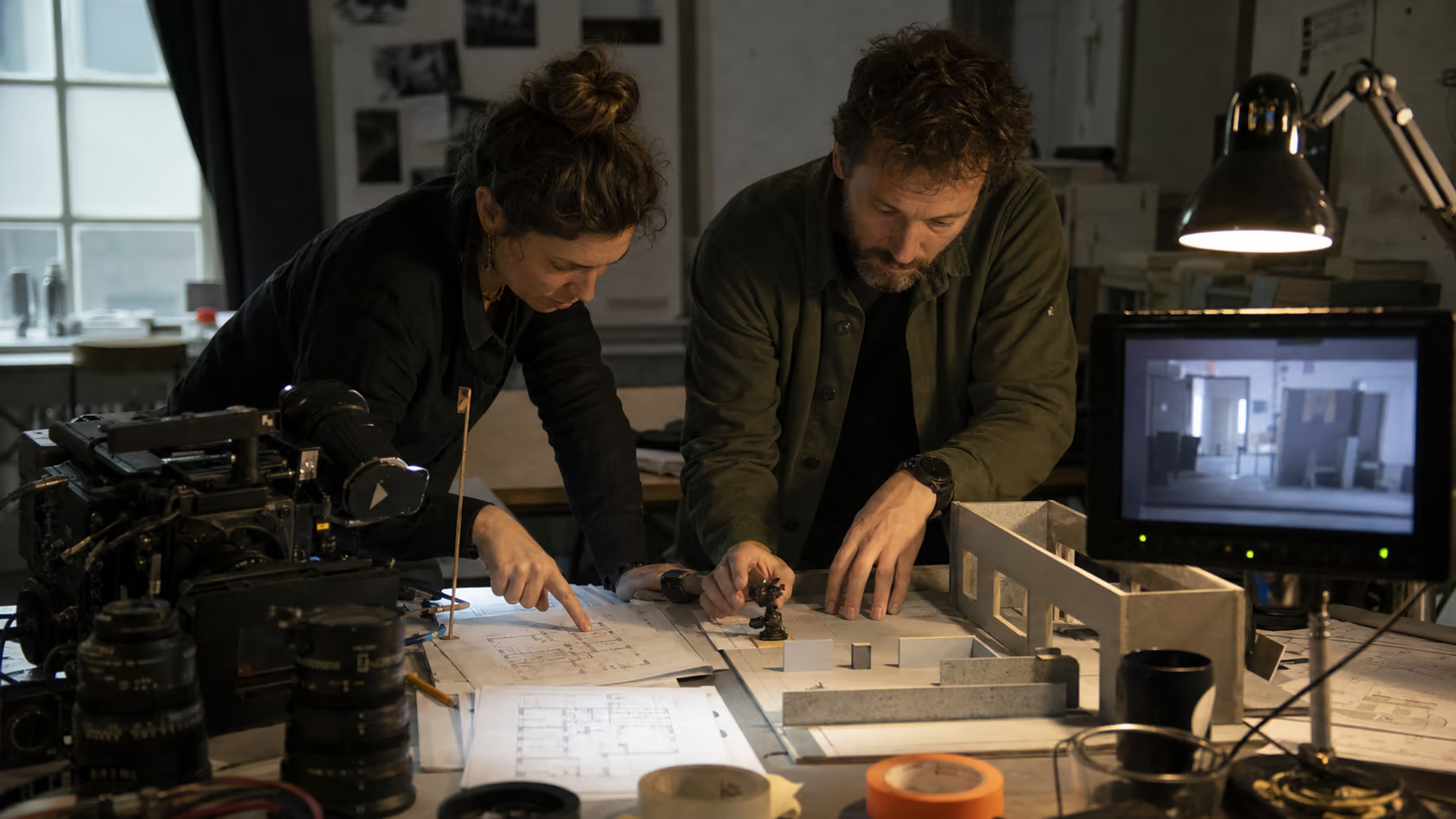
Pre-viz a scene before going to set, then iterate on shot lists without burning camera time. A 3D blockout pinned to the brief gives the director a real camera path and blocking; Seedance 2.5 fills in lighting, atmosphere, and lens character. The 30-second cap covers most pre-viz units in a single render.

Brand and content teams running multi-shot campaigns.

Brand and content teams running multi-shot campaigns.

Lock a brand character, the supporting cast, the location, the props, and the color palette in one Seedance 2.5 brief. Run the same setup across a campaign and the lead looks like the same person in every shot. The 50-reference budget is what makes this practical.

Solo creators and indie studios.

Solo creators and indie studios.

Free credits cover trial runs; paid tiers give you native 4K, the full 30-second cap, and commercial-use rights. Skip the editor, the render farm, and the upload step - generate, review, download, publish.

Version Comparison

Seedance 2.5 vs Seedance 2.0: which one to pick

Both Seedance 2.0 and Seedance 2.5 are available in this tool. The table below shows what each version gives you so you can pick the right one for your shot - and when it makes sense to use both.

SpecSeedance 2.0Seedance 2.5
Native single-clip length~15 seconds30 seconds
Multimodal references per jobup to 12up to 50
3D white-model (blockout) inputnoyes
Top output resolutionup to 4Knative 4K
Prompt adherencebaseline~20% better
Generation + editing controlyesfiner
Multi-shot character consistencyyes (within-clip)yes (with 50-reference budget)
LanguagesEN / ZH / JA / KOinherited
Generation cost in this toollowerhigher

When to pick Seedance 2.5. Any job where length, reference density, or composition control actually matters: full 30-second social hooks, character-locked brand campaigns, pre-viz with 3D-blockout cameras, scenes that need 4K with no upscaling step.

When to stick with Seedance 2.0. Short cuts (~10 seconds), simple briefs with one or two references, draft work where you don't yet need the larger reference budget, or any time you're burning credits to iterate quickly. Many teams iterate on Seedance 2.0, then run the final version on Seedance 2.5.

Process

How to generate a Seedance 2.5 video in 3 steps
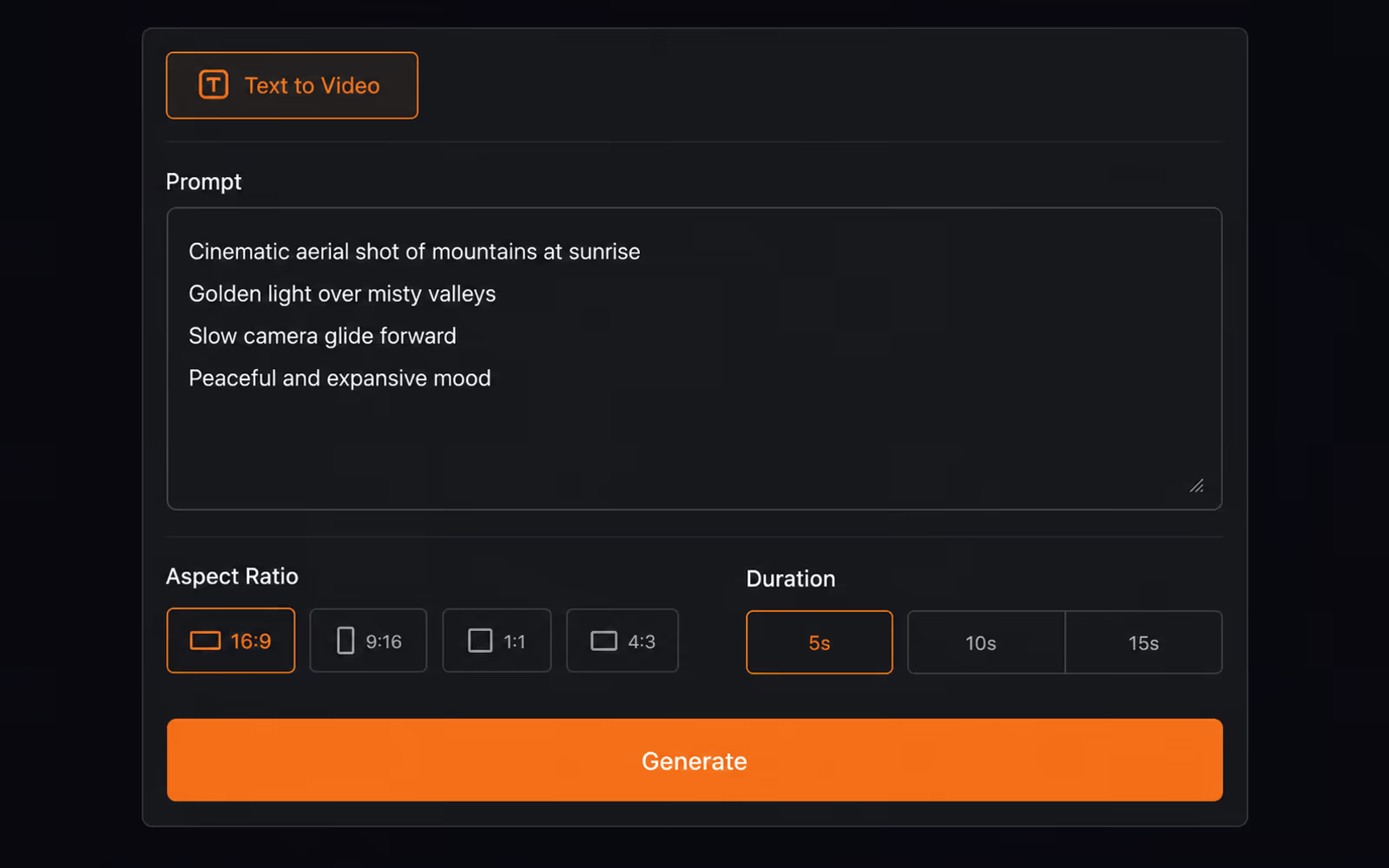
Three steps, no install. Most users clear the loop from blank brief to finished 30-second 4K clip inside ten minutes - about five if the brief is simple.

1. Open Seedance 2.5 and write your brief. screenshot
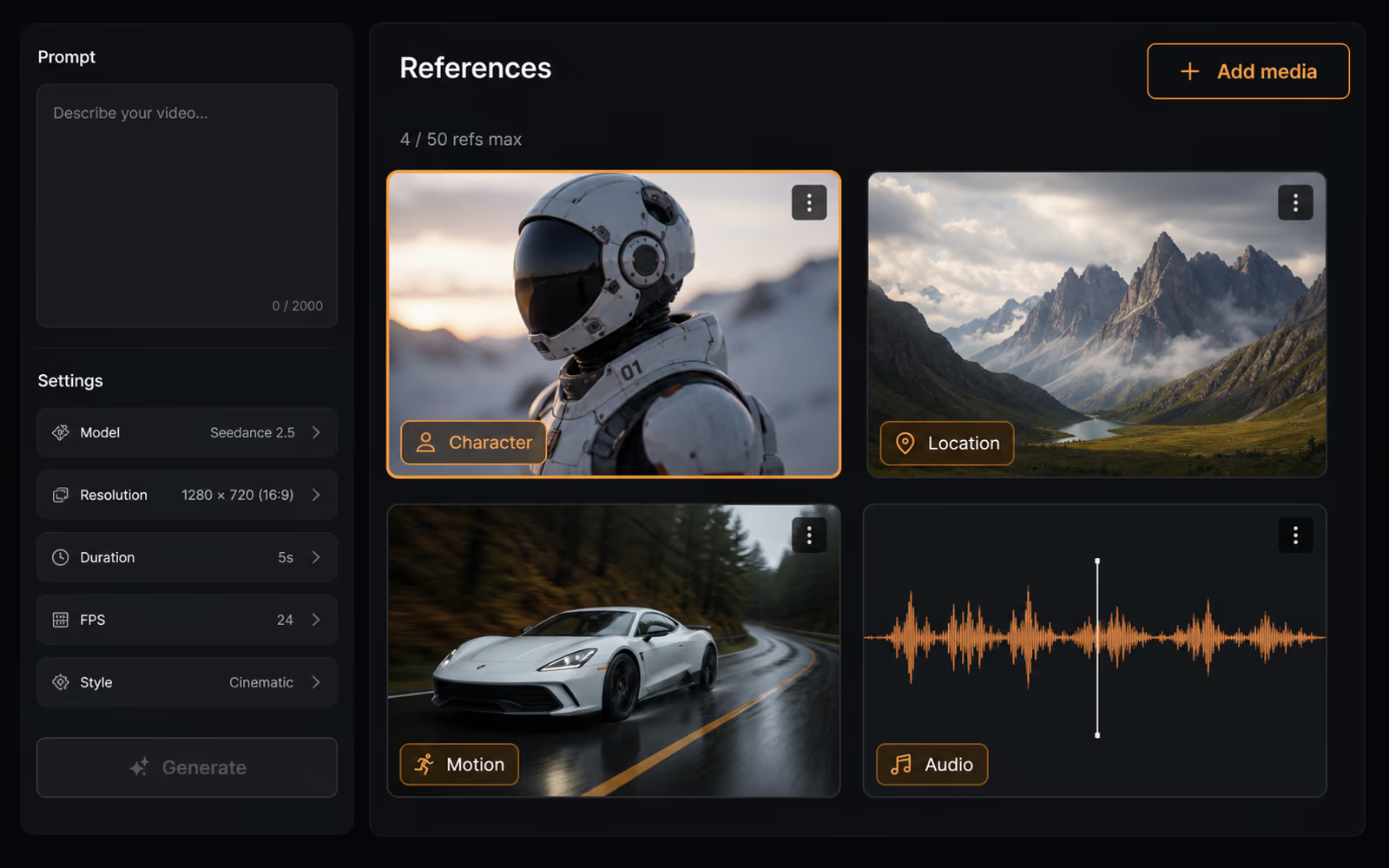
1. Open Seedance 2.5 and write your brief.
Sign in (or use the free starter credits), pick Seedance 2.5 as the model, then describe the shot. Subject, setting, camera move, lighting, mood - the way you'd describe it to a cinematographer. Name the aspect ratio (16:9, 9:16, 1:1, 4:3) and clip length (up to 30 seconds). Seedance 2.5 reads directional language about 20% more accurately than 2.0, so concrete phrasing earns the closest match - slow dolly in, shallow depth of field beats make it cinematic.
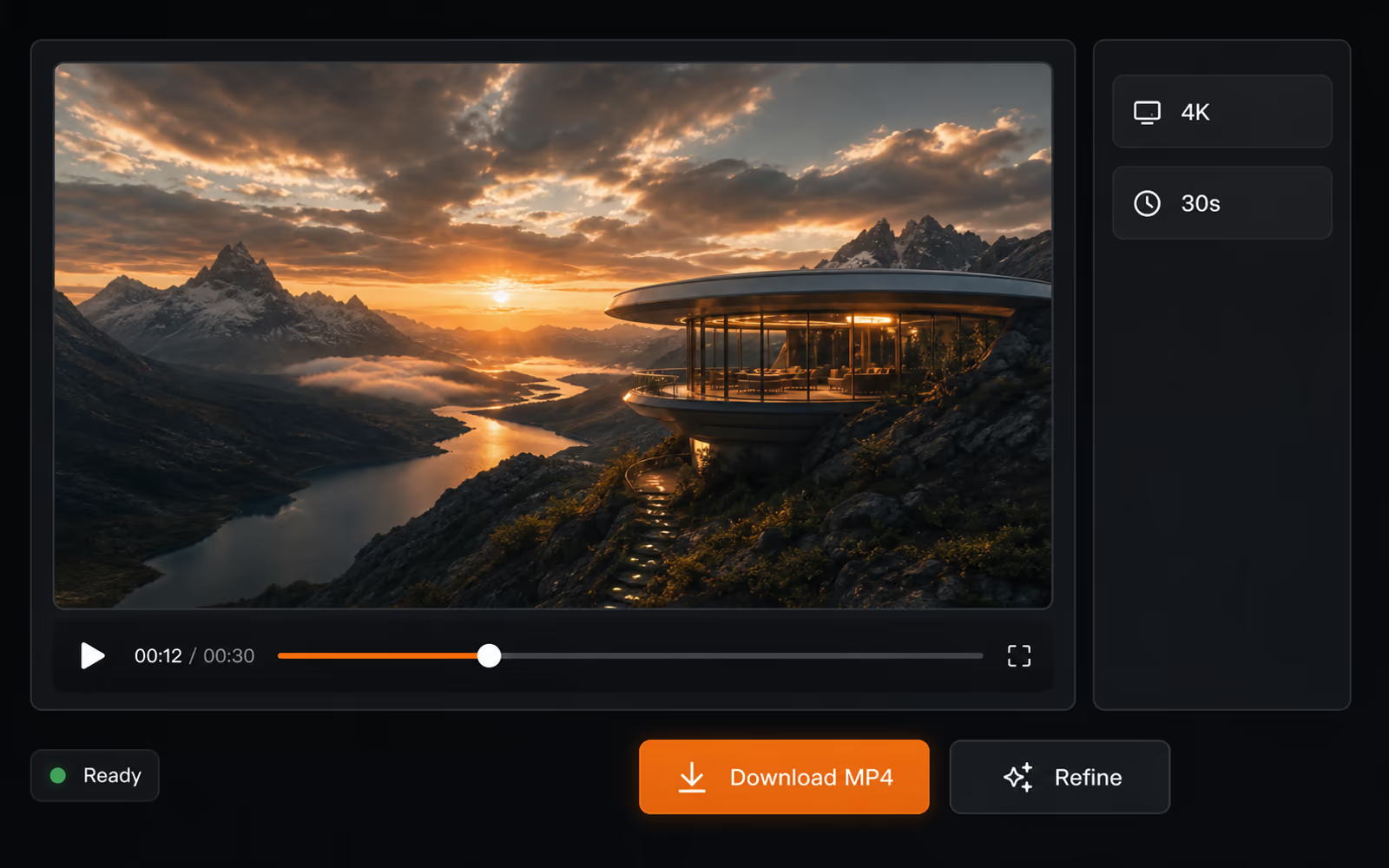
2. Attach references - up to 50 in one job. screenshot

2. Attach references - up to 50 in one job.

Drag in any combination of text, images, audio, video, and 3D white-model blockouts. Tag each one by role: character, location, motion style, color palette, blocking scaffold. The tool keeps each reference pinned to its role for the full 30-second clip, so a character reference doesn't bleed into the location plate.

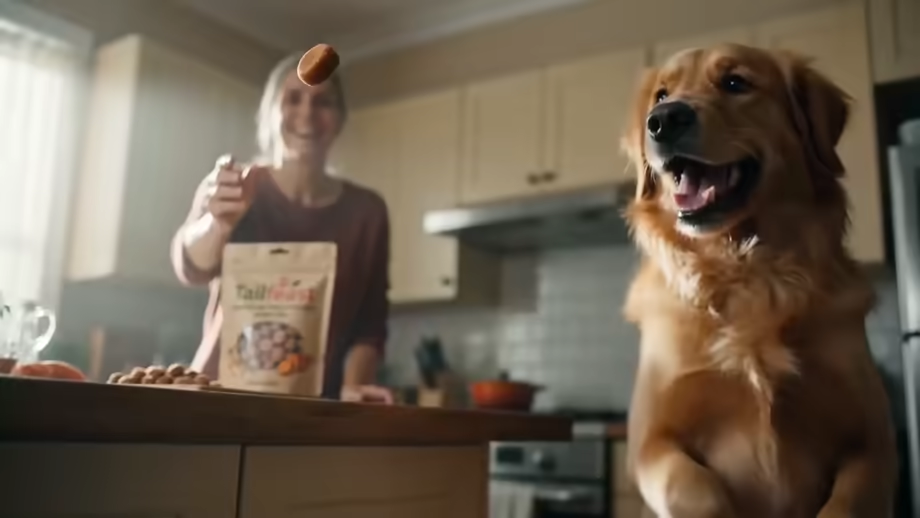
3. Generate, review, download. screenshot

3. Generate, review, download.

Pick a render tier (preview, balanced, or native 4K) and hit Generate. When the clip is back, re-shoot a segment, swap a reference, or push an edit ("trim the last 5 seconds, hold on the door") without re-rendering from scratch. Download the finished 30-second 4K file - MP4, ready to publish or pull into a longer cut.

Pricing

Seedance 2.5 pricing

Four tiers, every one runs Seedance 2.5. The differences are credits, output resolution, watermark, commercial-use rights, and render queue priority.

Starter
$9.9
  • 99 credits included
  • $0.10 per credit
  • HD text-to-video or image-to-video with natural native audio
  • 720p export, No watermark download
  • Commercial use license
  • Standard queue speed
  • Email support
Basic
$29.9
  • 330 credits included
  • $0.085 per credit
  • Faster HD generation for daily content
  • Text to Video & Image to Video with native audio
  • 1080p export, No watermark download
  • Commercial use license
  • Priority queue speed
  • Priority support (email)
Most Popular
Plus
$49.9
  • 600 credits included
  • $0.083 per credit
  • Scale creative runs with better stability and look
  • Text to Video & Image to Video with native audio
  • 1080p export, No watermark download
  • Commercial use license
  • Faster priority queue + up to 5 concurrent jobs
  • Priority support
Professional
$99.9
  • 1250 credits included
  • $0.079 per credit (best value per credit)
  • High-volume, professional delivery and teams
  • Text to Video & Image to Video with native audio
  • 1080p export, No watermark download
  • Commercial use license
  • Fastest queue + up to 10 concurrent jobs
  • Full effects pack + early access to new features
  • 24/7 priority support
  • Bulk processing
7‑Day Refund
Money-back guarantee
Secure Payment
Powered by Stripe
24/7 Support
Always here to help

Choose one-time credits or subscription • Flexible billing options

✓ Choose one-time or subscription✓ Credits never expire✓ Secure payments✓ Email support

FAQ

Seedance 2.5 FAQ

Quick answers to the questions most users ask before they generate their first Seedance 2.5 video here.

What is Seedance 2.5?

Seedance 2.5 is the latest AI video generation model in the Seedance family, the same lineage as Seedance 2.0 and 1.5 Pro. It accepts text, images, audio, video, and 3D white-model blockouts as input, and produces a 30-second clip in native 4K from a single prompt - no second pass to extend, no separate upscaling step. In this tool, you run Seedance 2.5 directly in your browser: write a brief, attach up to 50 references, and download the finished clip. The three concrete things Seedance 2.5 gives you over Seedance 2.0 are doubled native clip length (30s vs 15s), a much larger reference budget (50 vs 12), and roughly 20% better prompt adherence - fewer rewrites to land a specific shot.

How does this Seedance 2.5 tool work?

You sign in, pick Seedance 2.5 as the model, write your brief, optionally attach up to 50 references, and submit. The tool sends the job to the Seedance 2.5 model, then returns a 30-second 4K MP4 you can preview in the browser and download. Render takes a few minutes; the exact time depends on your tier (Free / Creator / Pro / Enterprise) and the current queue. You don't install anything - everything runs in the browser tab, no Premiere, no After Effects, no third-party uploader.

Is Seedance 2.5 free to use here?

Yes - new accounts get free Seedance 2.5 credits to try the tool with no card. Free-tier renders cap at 720p, 16:9, with a small watermark. Creator, Pro, and Enterprise tiers remove the watermark, unlock higher resolutions and the full 30-second clip length, and add commercial-use rights. See the Pricing section above for exact credit counts and per-tier perks.

Does Seedance 2.5 output in 4K?

Yes - Seedance 2.5 renders in 4K natively on the Pro and Enterprise tiers, not through a separate upscaling pipeline. The pixels you see at full size are the pixels the model rendered, with no softness, no halo artifacts, and no quality cliff when the clip plays on a 4K display. The same render covers 720p, 1080p, and 4K - you pick the output resolution in the brief. Aspect ratios supported are 16:9 widescreen, 9:16 vertical, 1:1 square, and 4:3 legacy.

What is the 3D white-model input?

A "3D white model" is a simple, untextured 3D blockout of your scene - geometry only, no shading, no lighting, no materials. You drop it into Seedance 2.5 as one of your reference inputs, and the model uses the geometry as the spatial scaffold: camera paths track the blockout, subject blocking respects the volumes, and the final composition lands on your intended framing. This is the fastest way to lock a specific composition without redrafting the prompt ten times. The blockout file can be exported from any 3D tool - Blender, Cinema 4D, Maya, or SketchUp - as a low-poly OBJ or FBX, then attached to your Seedance 2.5 brief as one of the 50 reference slots.

How many references can I attach in one Seedance 2.5 job?

Up to 50, on the Pro and Enterprise tiers. The references can be any mix of text snippets, images, audio clips, source video, and 3D blockouts. Each one is tagged with a role - character, location, motion style, color palette, blocking scaffold, audio bed - and the model holds each one in its assigned slot for the full clip, so references don't bleed into each other. The Free tier caps references at a smaller number per job (see Pricing). Practical tip: assign clear, distinct roles to each reference instead of dumping in similar assets - overlapping references in the same role confuse the model. A well-organized 30-reference brief usually outperforms a chaotic 50-reference one.

Can I generate clips longer than 30 seconds?

The native single-clip ceiling is 30 seconds - that's how much footage Seedance 2.5 generates in one pass. For anything longer, you chain extensions: render the first 30 seconds, then use that clip as the seed for the next segment. The trade-off is that very long chains can drift on character identity, lighting, or motion style between segments. For runtimes under 60 seconds, one chain extension usually holds; for 90+ seconds, plan on shot-by-shot review. If continuity matters across a long cut, the cleanest workflow is to render several 30-second Seedance 2.5 clips that share the same references, then edit them together in post.

Is there a watermark on generated Seedance 2.5 videos?

Free-tier renders carry a small corner watermark. Creator, Pro, and Enterprise tiers remove the watermark entirely. If you generated a clip on the Free tier and want it watermark-free, you can either re-render the same brief on a paid tier (the references and prompt carry over) or upgrade your account - past Free-tier renders stay watermarked, but new renders after the upgrade are clean.

Can I use Seedance 2.5 videos commercially?

Yes on the Creator, Pro, and Enterprise tiers - each includes a commercial-use license that covers ads, brand content, client work, and paid social posts. The Free tier is personal-use only (sharing on personal social accounts is fine; client deliverables and paid ads aren't). Enterprise contracts can add custom terms for resale, white-label, or platform redistribution. Read the full license terms before publishing client work; the short version is on each tier card in Pricing.

Get Started

Ready to create with Seedance 2.5?

Generate your first 30-second 4K clip in minutes. No credit card required to explore the model.