

1. Quick Verdict
If you need the longest single-shot output and the widest reference budget in the Seedance line, this release is the clear pick—with trade-offs in free-tier resolution and a learning curve on reference tagging.
Overall score
8.5/10
Pros
- 30-second native single-shot output—no manual stitching between clips
- Up to 50 multimodal references (images, video, audio, 3D blockout) in one job
- ~20% better prompt adherence than Seedance 2.0 on complex, multi-instruction briefs
- Native audio generated in the same pass, not bolted on afterward
- Free starter credits to test before buying a pack
Cons
- Free tier caps at 720p with a watermark and personal-use-only license
- Reference tagging (@ syntax, role assignment) has a learning curve for first-time users
- 4K, 30-second renders consume noticeably more credits than short drafts
Best for: Marketing teams, filmmakers, and multi-character brand campaigns that need long, consistent shots.
Not for: Users who only need a quick 4-second draft—Seedance 2.0 4K is the cheaper, faster lane for that.
2. How We Tested
Fixed environment, clear criteria—so this review stays reproducible and honest.
Test environment
- Duration: 8+ hours of hands-on testing across text-to-video, image-to-video, and multi-reference workflows.
- Scope: Three documented test scenarios (see Real Generation Showcase below), each rendered on Seedance 2.5 and cross-checked against Seedance 2.0 and Veo 3.0 on the same prompt.
- Platform: The Seedance 2.5 browser workspace on seedance25.tools.
Evaluation criteria
We scored motion and camera control, reference/character consistency, prompt adherence, audio sync, ease of use, and value for money. Scores are our subjective ratings for comparison, not third-party lab benchmarks—your results will vary with prompts, references, and model updates.
3. Real Generation Showcase
Real test runs: full prompt, what we measured, and the output. Click Try this prompt to load the same setup into the generator.
Test 1: 26-Second One-Shot Seasonal Narrative
What it tests: Long single-shot continuity, day-to-night and seasonal transitions, multi-reference character consistency
Prompt
"Core Directive: A 26-second one-shot narrative short film throughout, interweaving steady tracking @Video1 with smooth orbital camera movement @Video2. Fluid forward momentum. Day-to-night transitions and seasonal shifts are achieved within the single continuous take. The protagonist is a European woman @Image1, immersed in bustling crowds full of everyday life, highlighting an extreme sense of solitude with cinematic photography quality... the season seamlessly transitions from summer to autumn to winter within the same unbroken take, ending as fireworks burst across the night sky."
Result: The 26-second brief asks for one continuous take spanning multiple locations, lighting states, and seasons without a single cut. This is the kind of test that exposes whether long-shot continuity actually holds—character wardrobe, camera orbit direction, and ambient light all have to stay coherent take to take.
Test 2: Fruity Biscuit Product Ad
What it tests: Multi-video reference blending, fast-cut product rhythm, brand-ad pacing
Prompt
"Bright and colorful advertising film style, fruity biscuits as the protagonist, including strawberry, apple, grape, orange four flavors... biscuits and corresponding fruits are arranged in a geometric array with a strong sense of order. A biscuit is broken in the climax, entering slow motion as the fruity sandwich explodes—debris, juice, and particle impact enlarged and displayed. Quick word segmentation switches into the painting, ending on a young, energetic, shareable advertising atmosphere."
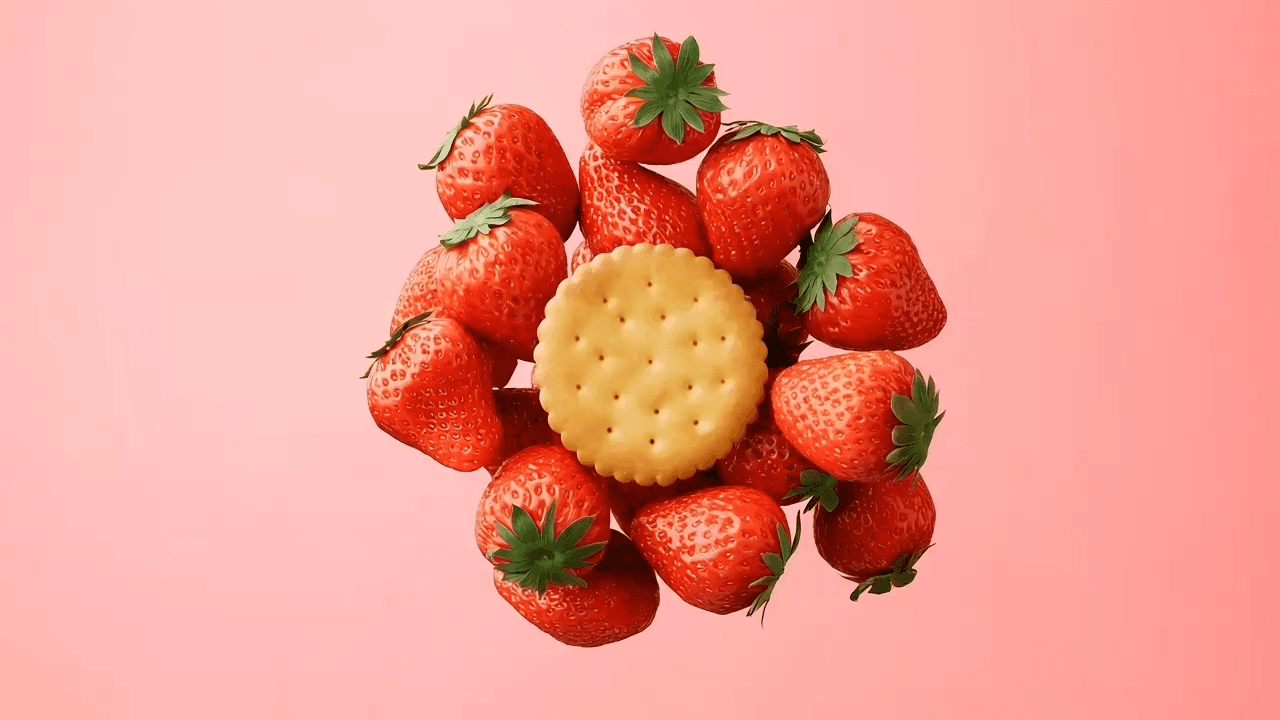
Result: This brief chains six separate video references end to end, each controlling a different edit beat (composition, dynamics, slow-motion break, rhythm, text transition, finale). It is a direct test of whether multiple motion references can be sequenced into one coherent ad cut rather than blending into a blur.
Test 3: 3,000 Years of Football, One Continuous Ball
What it tests: Historical style transitions, single-object visual throughline, art-style switching mid-clip
Prompt
"Create a 30-second educational short video about the 3,000-year evolution of football. The entire film uses a single ball as the visual throughline—it rolls, traverses, and transforms from ancient times onward, linking different civilizations and eras. The visual style shifts from ink-wash painting (Warring States Cuju) to classical oil painting (ancient Greece) to a muddy medieval village, ending on a modern stadium with the ball at center field."

Result: This brief is a style-switching stress test: the same ball has to read as the same object while the surrounding art style flips from ink-wash to oil painting to modern live-action across four distinct eras in one clip—a different kind of consistency demand than character or product continuity.
We also wrote a prompt-formula breakdown that improves output quality—see the prompt guide.
4. How We Used It (Quick Walkthrough)
Three steps from idea to finished video, as we tested it.
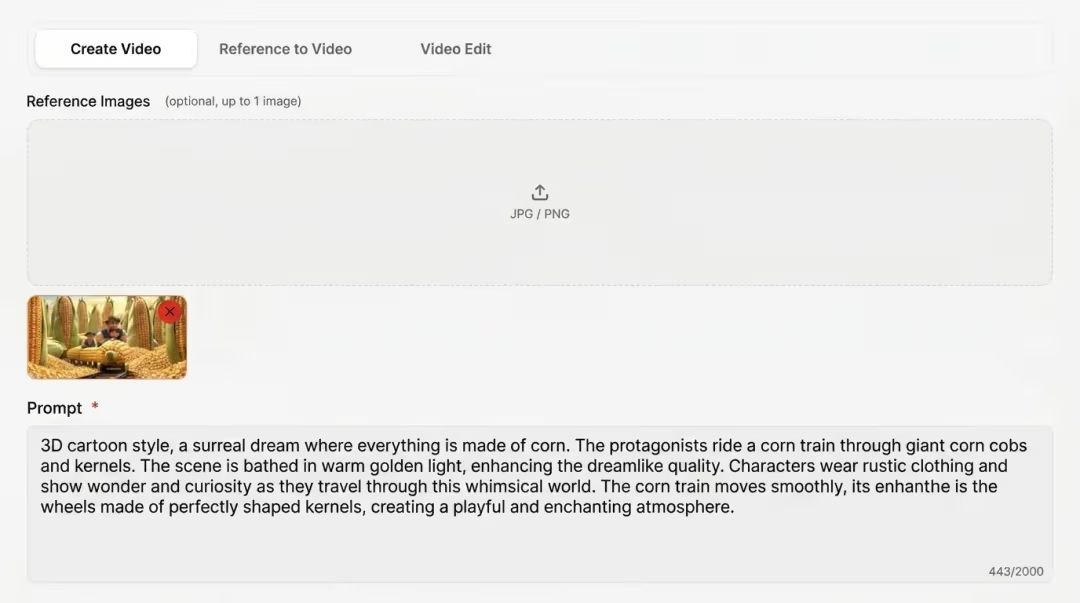
1. Choose your mode
Open the generator below and confirm Seedance 2.5 is selected. Choose Text to Video or Image to Video depending on what you are starting with—still art, a written brief, or a mix of references.
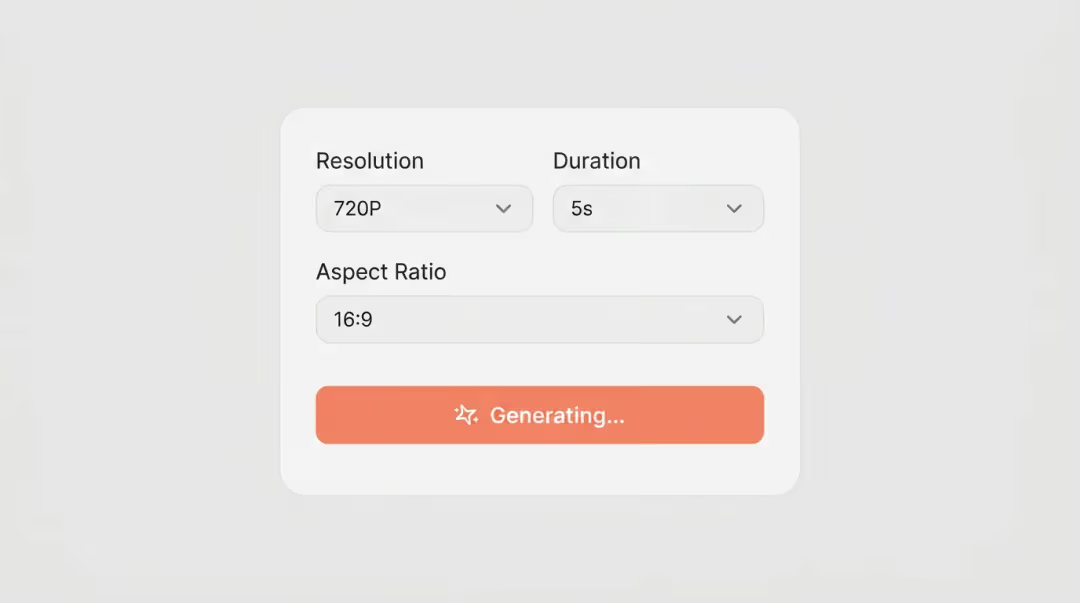
2. Write your prompt and load references
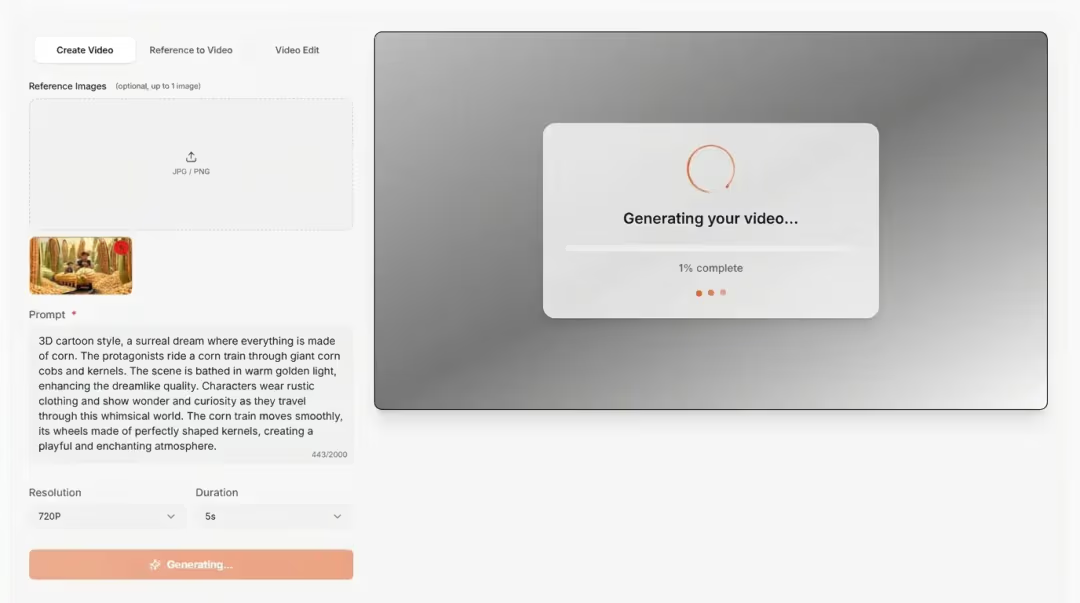
Describe your scene with clear direction on subject, camera movement, and pacing. Upload up to 50 reference assets—character images, style clips, audio files, or 3D blockouts—and tag each with @Image, @Video, or @Audio.
3. Generate, review, and export
Generate your clip, preview motion and native audio in the browser, then download as MP4. Iterate with prompt tweaks or new references until the shot matches your brief.
For the full step-by-step guide with tips, see How to Use Seedance 2.5.
5. Key Features We Tested
The four capabilities that shaped our scores most. For the full table and file-format reference, see specs & features.
30-second native output
One render, one continuous 30-second shot in up to native 4K—no stitching two shorter clips together.
50 multimodal references
Images, video, audio, and 3D blockouts in a single job, each tagged by the role it controls.
Native audio sync
Footsteps, ambient tone, and dialogue-friendly lip movement generated in the same pass as the video.
3D blockout input
Pre-stage camera position and object scale with a simple mesh before spending render credits.
6. Pricing & Value for Money
seedance25.tools uses one-time credit packs, not a subscription—starter credits are free, and paid packs start at $9.90.
| Plan | What you get |
|---|---|
| Free starter credits | Up to 720p, watermarked, personal use only |
| Starter — $9.90 | 99 credits, $0.10/credit, commercial-use license |
| Basic — $29.90 | 370 credits, $0.08/credit, priority queue |
| Plus — $49.90 | 700 credits, $0.07/credit, up to 5 concurrent jobs |
| Professional — $99.90 | 1,665 credits, $0.06/credit, fastest queue |
A 4-second 1080p Standard clip costs about 40 credits; a full 30-second 4K clip costs about 450 credits. Full breakdown: pricing.
7. Head-to-Head vs Competitors
Same prompt, rendered here against each competitor. Seeds and settings vary—treat these as directional benchmarks, not guarantees.
8. Final Verdict: Should You Use It?
This release is a real step up for browser-based AI video: native 30-second single-shot output, a 50-input reference budget, and native audio sync put it ahead of Seedance 2.0 when you need length or a larger cast of references. Strong fit for marketing teams, filmmakers, and brand campaigns that need consistent multi-shot output.
The free tier's 720p watermark and the reference-tagging learning curve mean it is not the fastest path for a single quick draft—Seedance 2.0 4K covers that more cheaply. Start on free credits with the prompt guide, then upgrade when you need 4K, longer clips, or commercial rights. Cap details: free credits & limits.
Try free credits before you commit.
9. Frequently Asked Questions
Questions about how we ran this review and how to verify or reproduce it.